Portable Monitor for Laptop Use on the Go: The Complete Guide + 6 Best Picks
Portable MonitorsPortable Monitor for Laptop Use on the Go: The Complete Guide + 6 Best Picks
Averil Gleason
When you’re always on the go, or need to take your computer with you wherever you travel, you know that a small laptop screen just won’t cut it to get your work done — especially if you’re used to having a multiple monitor setup at work or at home. Laptop screens are super high resolution and they’re great, don’t get us wrong. It’s just… they could be better. Bigger. Showing more stuff at once.
Fortunately, we now live in a glorious time where second monitors aren’t just for your desk at home or the office anymore. Portable laptop monitors are now a viable and pretty affordable option for people who don’t just work in one spot. In this article, we’re going to answer all your burning questions about portable monitors for laptops, plus we’ll share the best portable monitors on the market.
Portable Monitor for Laptop Productivity on the Go: FAQ
Why would I need a portable monitor for my laptop?
Productivity no matter where you go. You deserve the best for your work setup, regardless of your location. We’re not talking about desk decor or office supplies — we’re talking about computer monitors you can travel with. Portable monitors add an extra dimension to your on-the-go work set-up, your gaming layout, your YouTube editing bay, and everything in between. The added monitor gives you extra screen space to help you maximize productivity from anywhere. With a portable monitor, you’re able to work more efficiently from a coffee shop, airport, hotel room, or really anywhere you can find WiFi.
How are portable monitors powered?
Portable monitors are generally powered through your laptop, using a USB-C cable, and don't require an external power cord you plug into the wall. The USB-C port can support power delivery and video transmission at the same time [1].
Will a portable monitor drain my laptop battery?
Most portable monitors do get their power directly from your laptop, so yes, they will impact your laptop’s battery life while it's plugged in. The amount of drain will vary based on the laptop and monitor, but it could be somewhat significant [1]. Portable monitors like the Lumonitor, however, come with built-in batteries that offer up to four hours of battery life without draining your laptop’s battery.
Are portable monitors compatible with Mac?
Most portable monitors are compatible with Mac, PC, or Chromebooks, but not every portable monitor is that versatile. Before you buy a portable monitor willy nilly, make sure to check out which portable monitors are compatible with your laptop and lifestyle. If you’re a Mac user, we suggest Mobile Pixels, Desklab, Lumonitor, and SideTrak.
Can I use the portable monitor for a gaming system like PlayStation or Xbox?
You can use most portable monitors for gaming systems like PlayStation, Xbox, and Nintendo Switch. If gaming is a consideration for you, be sure to check which portable monitors are compatible with your gaming system of choice before making your purchase. We recommend checking out the Lumonitor, Mobile Pixels, Desklab, Vissles, or any of the other portable monitors in our Top 6.
How much do portable monitors weigh?
It varies, but portable monitors generally weigh in at around two pounds. As technology advances, gets smaller, more compact, and reliable, its weight on the world becomes more metaphorical than physical — especially when it comes to laptops and portable monitors. The first computer, made in 1951, came in at around 29,000 pounds. Today, a computer can weigh around 30 pounds. And laptops come in at around three pounds. Fortunately, at two pounds, portable monitors should be the lightest of the bunch.
The 6 Best Portable Monitors for Laptop Users
Mobile Pixels - most versatile portable monitor
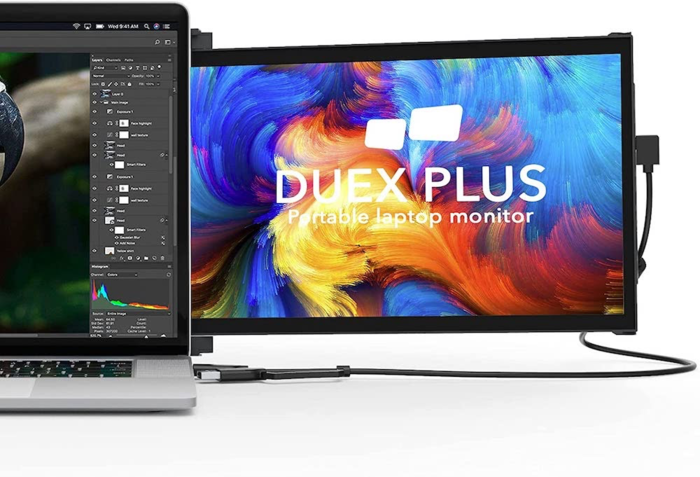
Mobile Pixels, $419
Get yourself a portable monitor that can do it all. We’re talking about attaching itself to a computer, standing with the help of a kickstand, flipping around for a presentation, taking you out to dinner — ok, not that last one. But the Mobile Pixels portable monitor can do all those other things. This 13.3-inch screen is compatible with any laptop, plus the Nintendo Switch and Samsung DeX-supported devices.
Desklab Monitor - best for work and gaming
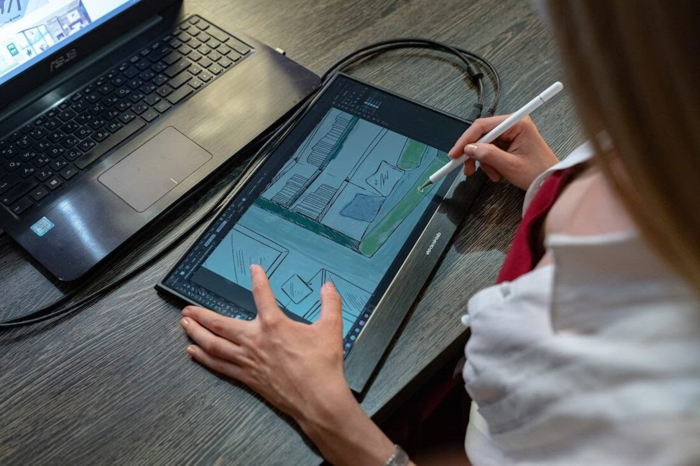
Desklab, $700
If you want a portable monitor that can hang and game, then you’ve got to check out the Desklab Monitor. This portable monitor is the best for workers, with a built-in charger — making for a seamless work experience.That way you won’t have to worry about making it through your morning meetings without charging either your laptop or monitor. The Desklab monitor is great for the gamer, with Nintendo Switch, Xbox, and PS4 compatibility. This touchscreen monitor comes in at 16.6 inches, and weighs in at about a pound and a half.
SideTrak - best slide-out monitor
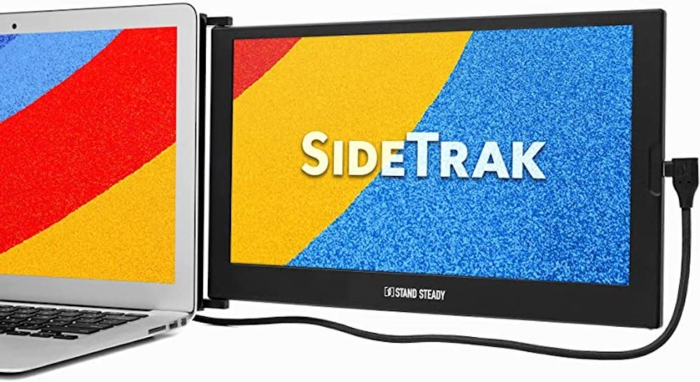
SideTrak, $299
It's cool to have your portable monitor out when you're using it, but what about when you're not? Rather than taking it in and out of your bag, why not make it a part of your laptop instead? The SideTrak gives you the productivity of two screens when you need it, and when you don’t, just use the sliding device attached to the 12.5-inch screen to conceal it behind your laptop. The monitor magnetically attaches to the back of your laptop with a metal plate, and offers 270° rotation.
Uperfect - best home monitor replacement you can take with you
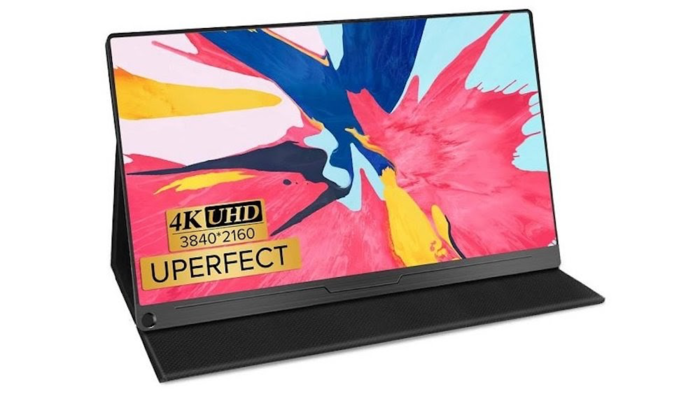
Uperfect, $899
For the worker who likes to get work done both at home and on the go, the Uperfect is going to be, well, perfect for you. This 17.3-inch monitor could work as your external monitor at home. But if you want to go to the coffee shop, or travel with your computer, you can with Uperfect. Coming in at two-and-a-half pounds, this portable monitor is compatible with most laptops (including Mac), as well as PlayStation Xbox, and Nintendo Switch.
Vissles - best lower priced portable monitor
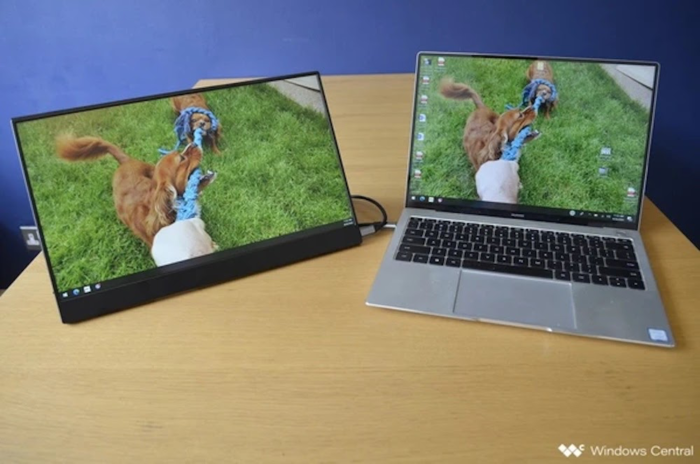
Vissles, $189
Working on the go on a budget? The Vissles portable monitor may be right for you. This 15.6-inch portable touchscreen monitor is one of the most affordable out there and is compatible with all laptops, phones, and gaming systems. The Vissles portable monitor weighs in at just under a pound and a half.
Lumonitor - best lightweight portable monitor

Lumonitor, $899
Quite possibly the lightest portable monitor on the market is the Lumonitor, weighing in at an impressively light 1.3 pounds. But don’t let the Lumonitor’s lightweight frame fool you — it’s packed with all the tech you’d need from a portable monitor. The Lumonitor comes equipped with a battery with four hours of battery life, freeing you from a wired desk, at least for a little while. This monitor is 15.6-inches, and is compatible with all operating systems and devices.
External references
