iStockphoto vs. ShutterStock vs. Fotolia: Stock Photo Services Compared
EducationiStockphoto vs. ShutterStock vs. Fotolia: Stock Photo Services Compared

iStockPhoto
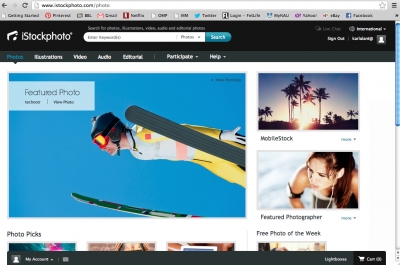
An innovator in stock photo services that amass collections through their users, iStockPhoto offers about 6.8 million images.
Pros:
-
Free membership that lets you search their photos
-
Files are easily downloadable
-
Purchase options include either pay-as-you-go iStock credits or subscription packages
-
Great chart comparing license options on various types of media
-
Easy to navigate website, best user interface of the three
Cons:
-
The size, author and composition of each photo determines how many credits it is to download so you end up doing a little math
-
Not as many choices as ShutterStock and Fotofolia
Easy to use and lets you subscribe or purchase per image; this is a good option most notably for those who are not industry professionals and need the ease of use of the website.
Shutterstock
Shutterstock features more than 11 million pieces of media, and most of its images are available at very high resolution.
Pros:
-
Extremely high resolution images, super-sized up to 4000 x 3000 pixels
-
Several subscription plans or by the image options available
-
Images, videos, illustrations and other media available
-
Users can submit images
-
The service experiences continuous growth
-
Most extensive selection
Cons:
-
Compared to other two services their cost is really high unless you are buying many, many images or buying very frequently
This service is an excellent choice for people who need frequent, ongoing royalty-free downloads and licensing terms that are flexible.
Fotolia
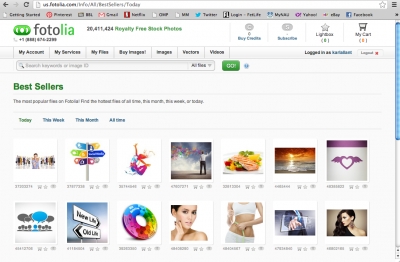
Fotolia's users consist of a artistic professionals, photographers and other creative contributors. Fotolia has around 13 million photos and videos in its files.
Pros:
-
Really good search layout with visuals of each kind of representative and conceptual categories and ability to search Specialist Collections
-
Users can submit images
-
Good apps and plug-ins make using the site easier
-
Most reasonably priced with buying options for those who purchase less often
-
(Small!) selection of free photos that changes every week
Cons:
-
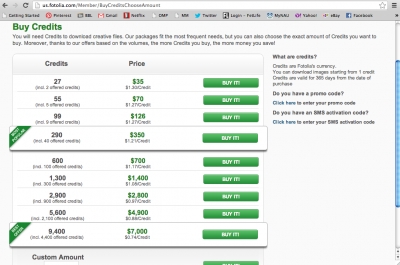
Credit have to be purchased ten at a time
-
Credit system is a little annoying and makes you add up your purchases
The credit system allows you to purchase individual images and is better suited to those who don’t need a high volume of images. Depending on the size of the image, the required license, the image resolution, and the photographer’s own pricing system, one picture could cost you anywhere from 1 to 20 credits. Still, this is about $25 at most compared to the cheapest, smallest photo price without a large subscription on ShutterStock which is $19. Fotolia accepts image submissions from users so it is a good choice for in particular for contributors.
Search Comparison and Features
Fotolia has the best filtering system in its searches. You can search in representative categories like food and drink, people or landscapes, or conceptual categories like emotions and feelings, lifestyles or technology.
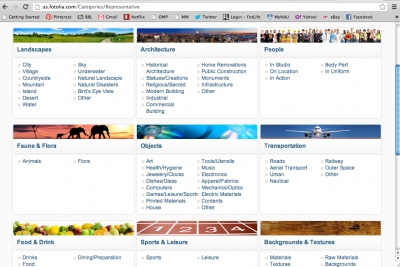
It also lets you search by image size, file type, and orientation.
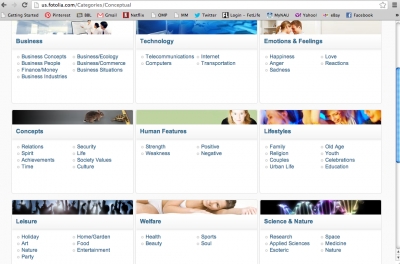
You can also search ShutterStock by emotional themes but it's not quite as nice a layout. The theme search is very useful for both services.
ShutterStock allows browsing.
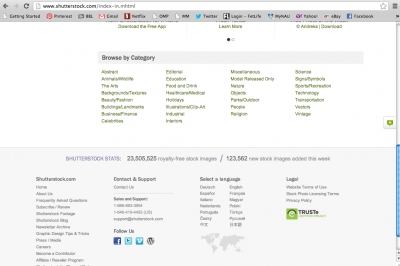
The filtering mechanisms offered by iStockphoto and ShutterStock are similar, and both allow you to narrow your search based on a wide variety of traits.
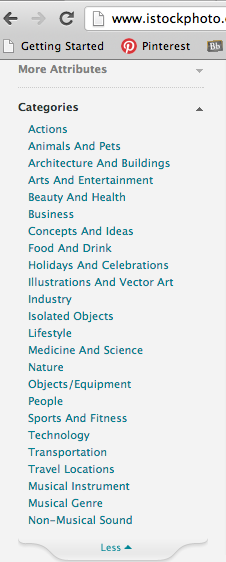
iStockphoto's search is a little better; it lets you limit your search by color, kind of file, filters and more.
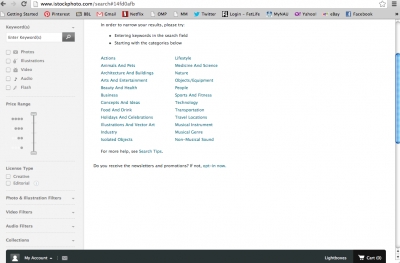
ShutterStock lets you narrow by lots of categories but not many other factors and for that reason it is the most limited.
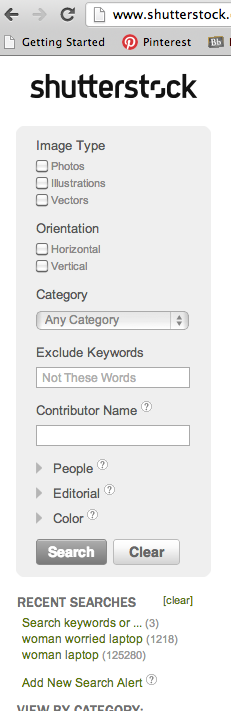
All three services let you search using keywords.
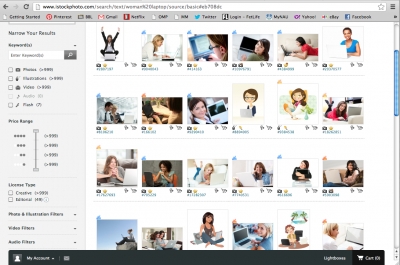
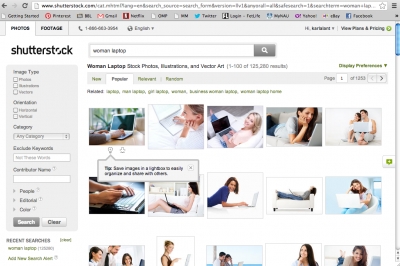
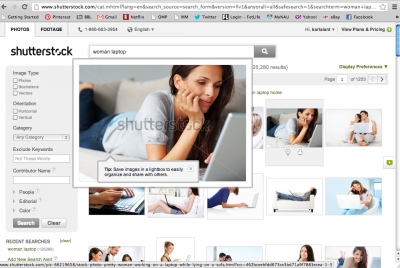
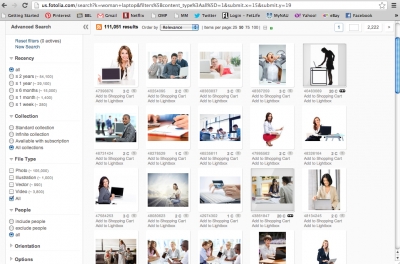
I searched each site for “woman laptop” to see what kinds of results I'd get. You can see that with a simple search like that you get lots of choices on each of them. There is a similar quality level in terms of concepts, lighting, models and other elements of the photos.
iStockPhoto's "woman laptop" results:
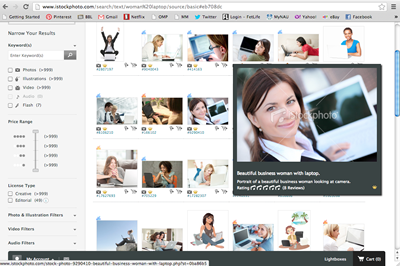
An example of iStockPhoto's choices close up:
ShutterStock's "woman laptop" search results:
An example of ShutterStock's "woman laptop" choices:
Fotolia's "woman laptop" search results:
An example of Fotolia's "woman laptop" choices:

Next I narrowed the search to “woman worried laptop.” Again, many results on all three with similar elemental quality.
iStockPhoto's "woman worried laptop" search results:
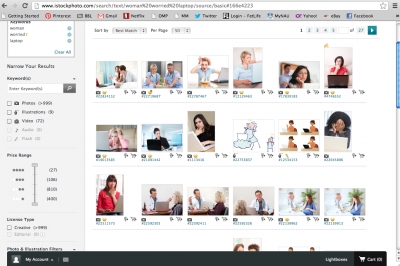
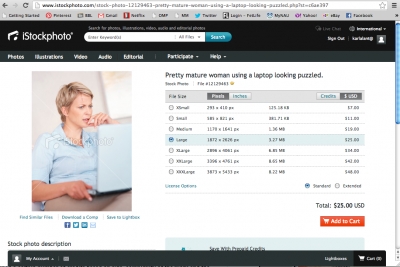
An example of iStockPhoto's "woman worried laptop" search results:
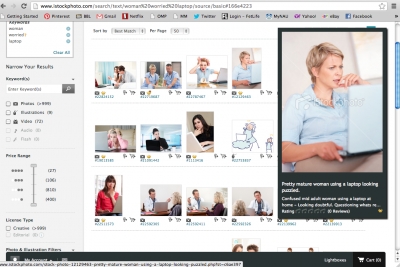
ShutterStock's "woman worried laptop" search results:
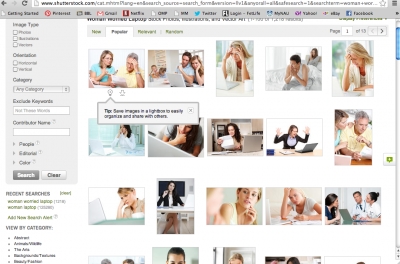
An example of ShutterStock's "woman worried laptop" search results:
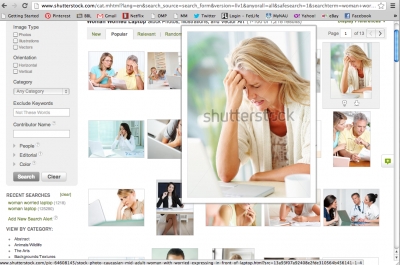
Fotolia's "woman worried laptop" search results:
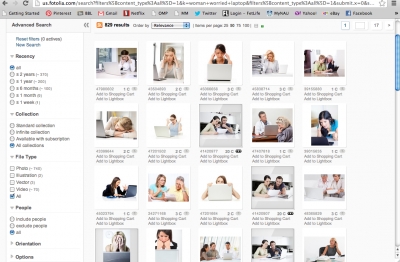
An example of Fotolia's "woman worried laptop" search results:
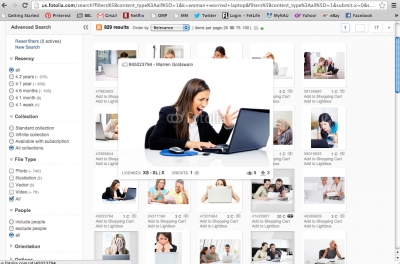
This means that the real difference is in price and quality for very large images. You can get large images from all three services and they all look good. But the pricing is significantly different.
At iStockPhoto the middle of the road quality option for the photo I chose is $25.00; the smallest option (which would be fine for most blogs and online publications) is $7.00.
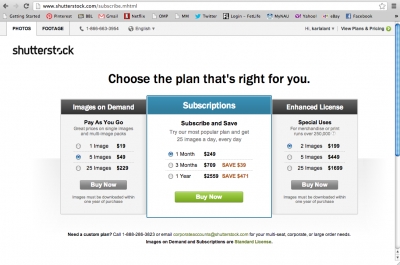
At ShutterStock if you pay as you go the smallest and cheapest images are $19.00 – a lot higher than the other two options. But if you subscribe at ShutterStock you can download 25 images every day in a month for $249.00 (and longer subscriptions are cheaper). So if you use a lot of photos, this is a great option; it adds up to about 33 cents per image if you download at the maximum rate.
At Fotolia you have to buy their credits which are $1.30 each at the lowest subscription rate. For 2,900 credits the price drops to 97 cents each. The middle of the road option is 7 credits and the smallest (which, like at iStockPhoto, would be fine for most online uses) is 1 credit.